A faster, more responsive PDF engine
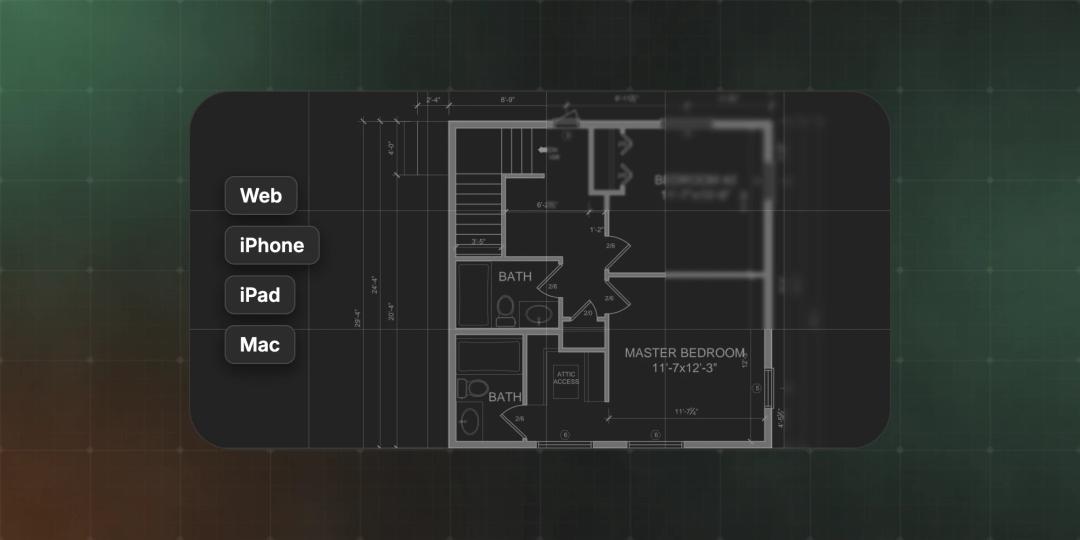
Notch now opens, draws and reads your PDFs with one engine on the web, iPhone, iPad and Mac. Big sets open up to four times faster, and it brings CAD layers, single-page view and real redaction with it.
- Written by
- Notch Team
- Published
Live on the web today, and in the iPhone, iPad and Mac apps with their next update. Notch now opens, draws and reads every PDF with one engine, in the browser, in the apps and on our servers. You don't need to do anything: open a document and you're using it.
For the last several weeks, the team has been hard at work rebuilding the editor's PDF engine from the ground up. We now have a cohesive PDF engine across all of your devices.
Faster, and more responsive
We timed the same documents before and after, on the same machine:
- First page on screen about twice as fast on a typical drawing set.
- Four times as fast on a 40-page set.
- Smoother zooming and scrolling. The slowest frame while zooming a big set dropped from 133 ms to 50 ms.
- Lighter. Notch uses less memory with a large set open.
On iPhone, iPad and Mac the page is now drawn in tiles that sharpen as you zoom, so a dense set keeps up with your fingers, Pencil or trackpad.
What It Brings With It
The new engine can do things the old ones couldn't, and the first of them are live today:
- CAD layers. If a PDF was exported from CAD with its layers, open Layers and switch to CAD Layers to turn them on and off. Hide the furniture, the grid or the dimensions and see just what you need.
- Single-page view. Prefer one page at a time? Switch the page layout in the status bar. Zoom where you like and the next page keeps your view.
- Redaction that really removes. Draw a Redact area, or select text and choose Redact. Redactions stay ordinary markups until the file leaves Notch: turn on Apply redactions when you export, or on a share link, and what's under them is removed from the file for good, not just covered.
- Select text by character. Press on text and drag, line by line, then highlight, underline or strike it through.
What's Next
Having one engine everywhere is what lets us build the bigger things you've asked for, once instead of three times. Sharper overlays for revision compare and editing PDF content are on the list. We're also working on something big to support form workflows.
Something slower than it should be, or looking different from what you expect? Tell us at hello@notch.build.
Notch is the modern PDF editor for construction teams. Mark up, measure, compare and share — in the browser and on your Mac, iPhone and iPad. Start for free.
— The Notch Team