The modern workspace for teams that build.
A modern PDF editor for design, engineering and construction teams. Built for collaboration.
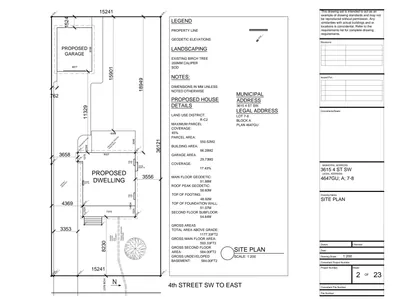
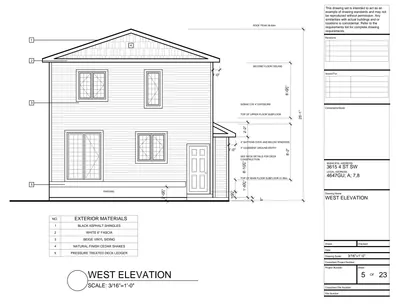
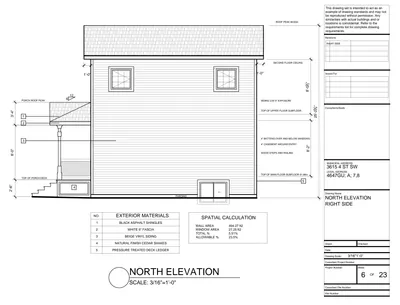
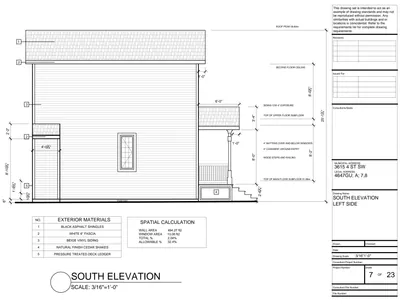
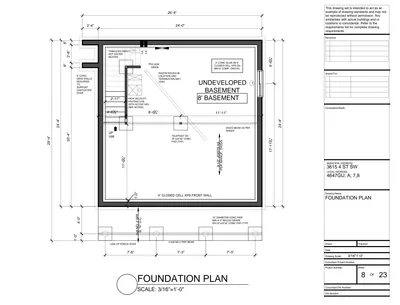
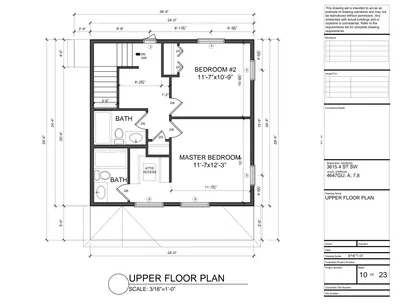
Built by people who know






A new tool for your project team. Purpose built for collaboration. Markup, measure, compare and more all directly within Notch.
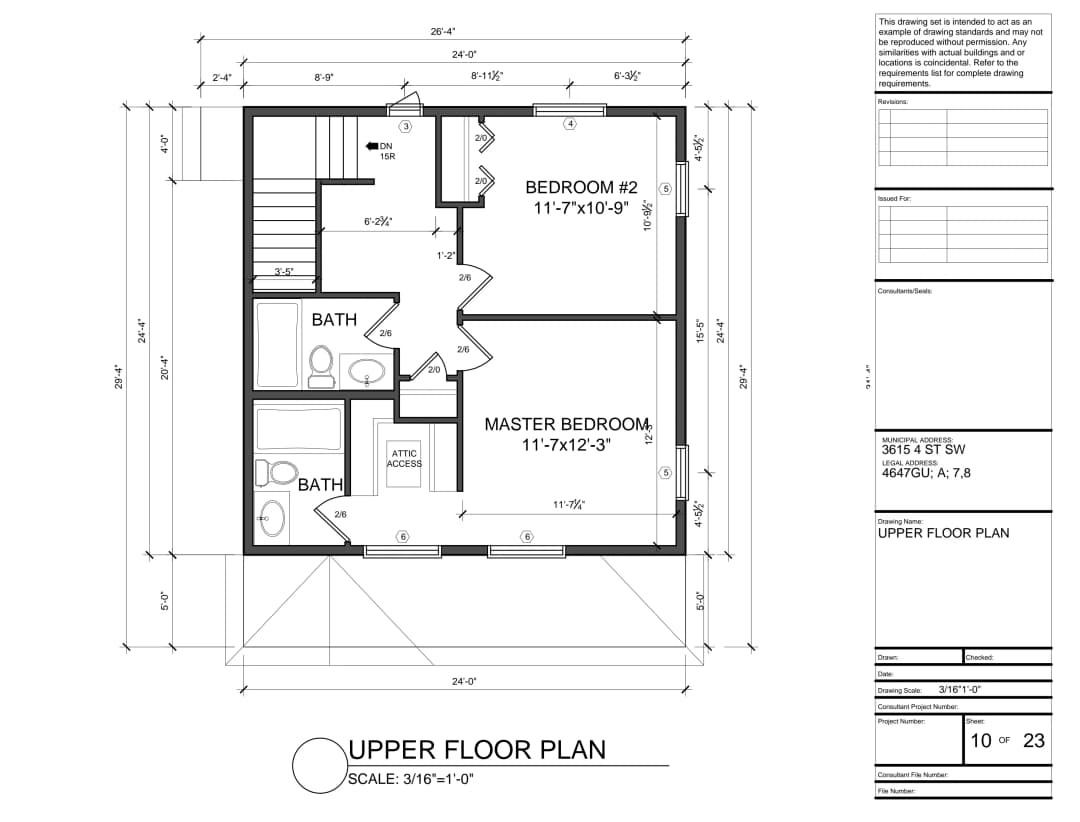
Markup drawings directly in the browser.
Arrows, highlights, shapes and text. Every markup is stored as structured data you can filter, layer, and export. All in a beautiful modern interface.
1.0Markup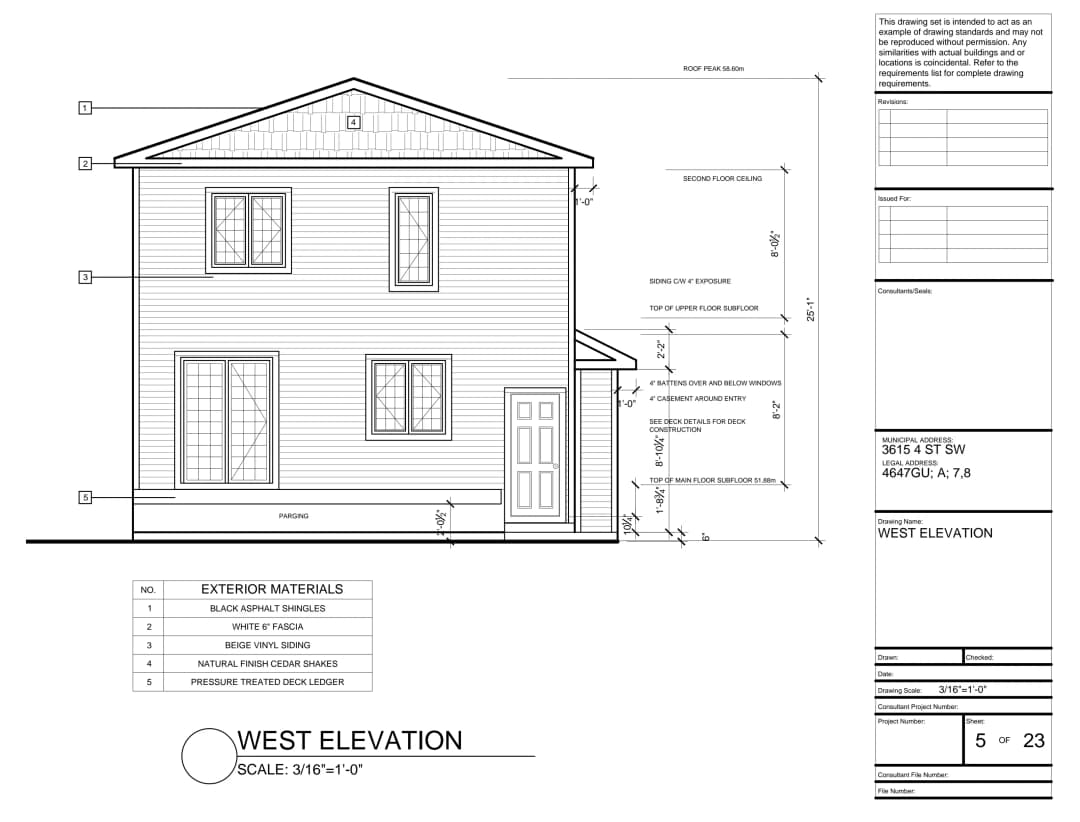
Digital takeoffs using on screen measurements.
Set your scale and pull lengths, areas, perimeters, and counts straight off drawings. Filter, group and sort as needed and export directly to excel to quickly prepare estimates.
2.0Measure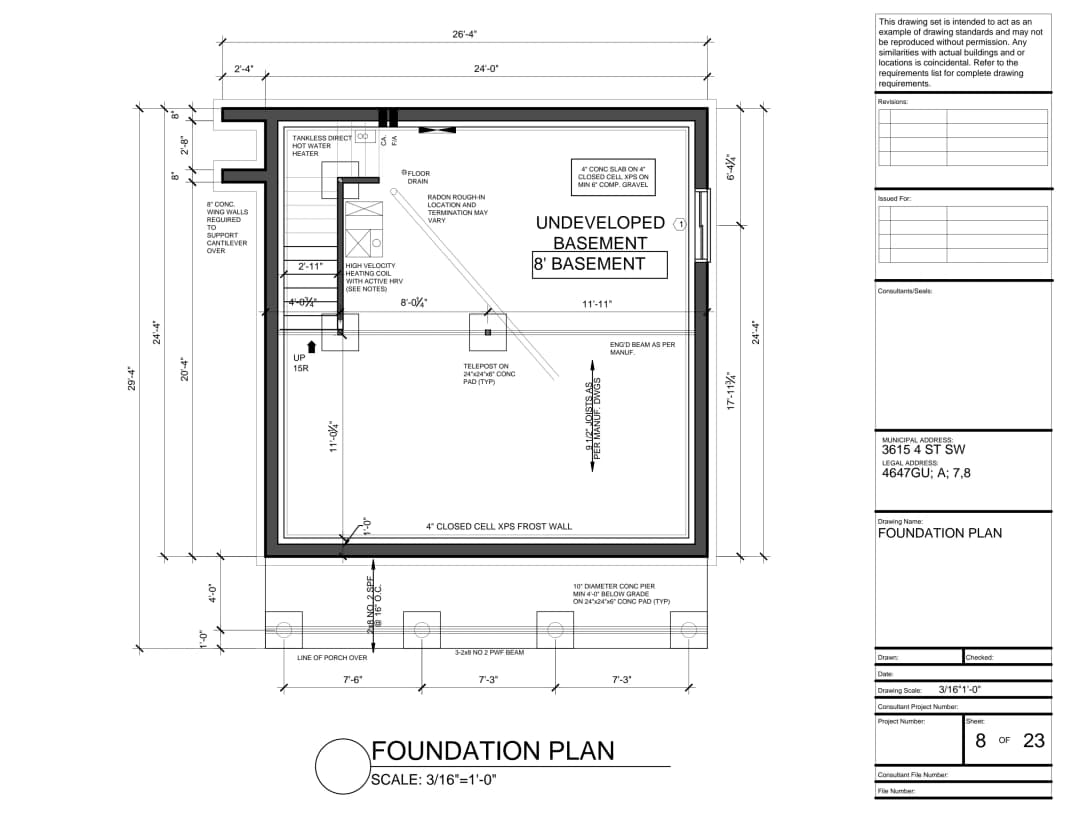
Collaboration tools built in, not bolted on.
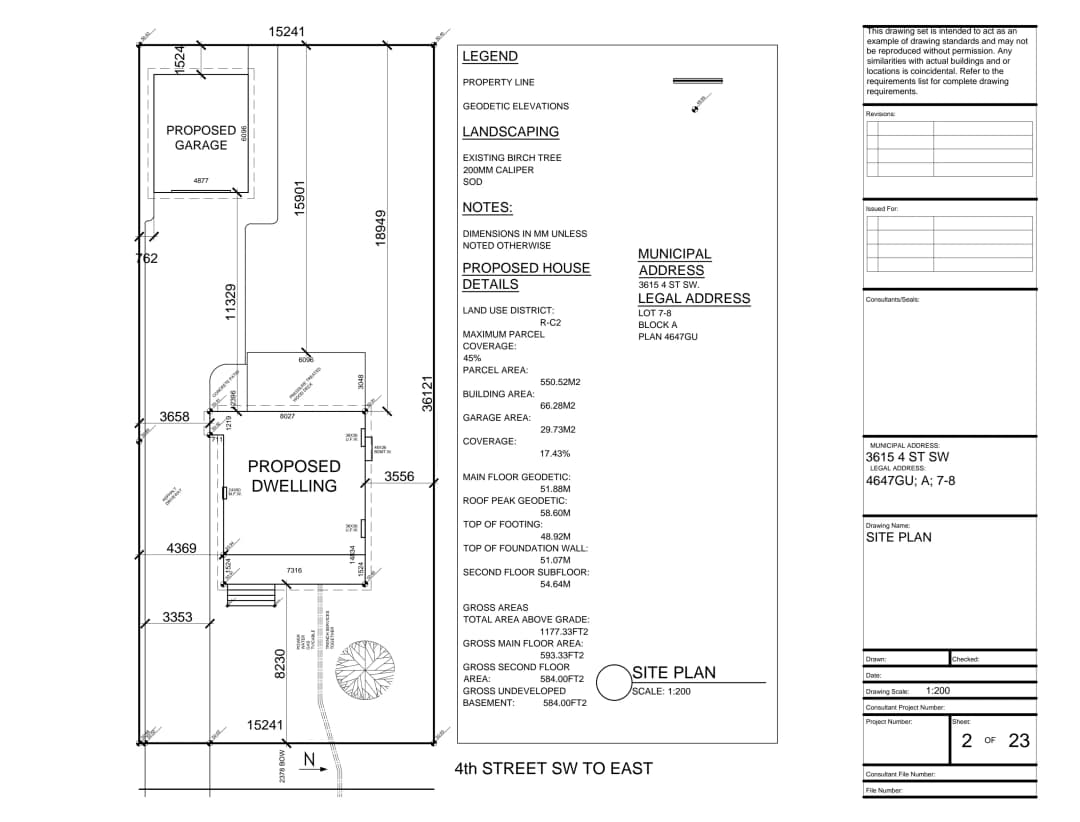
Team members can mark up drawings collaboratively in the same workspace, or, invite guests to markup and view drawings alongside your team.
3.0Collaborate



Quickly compare documents using overlays.
Overlay drawings and documents and see differences or coordination issues. All documents live directly on Notch, so swapping them is easy.
4.0Compare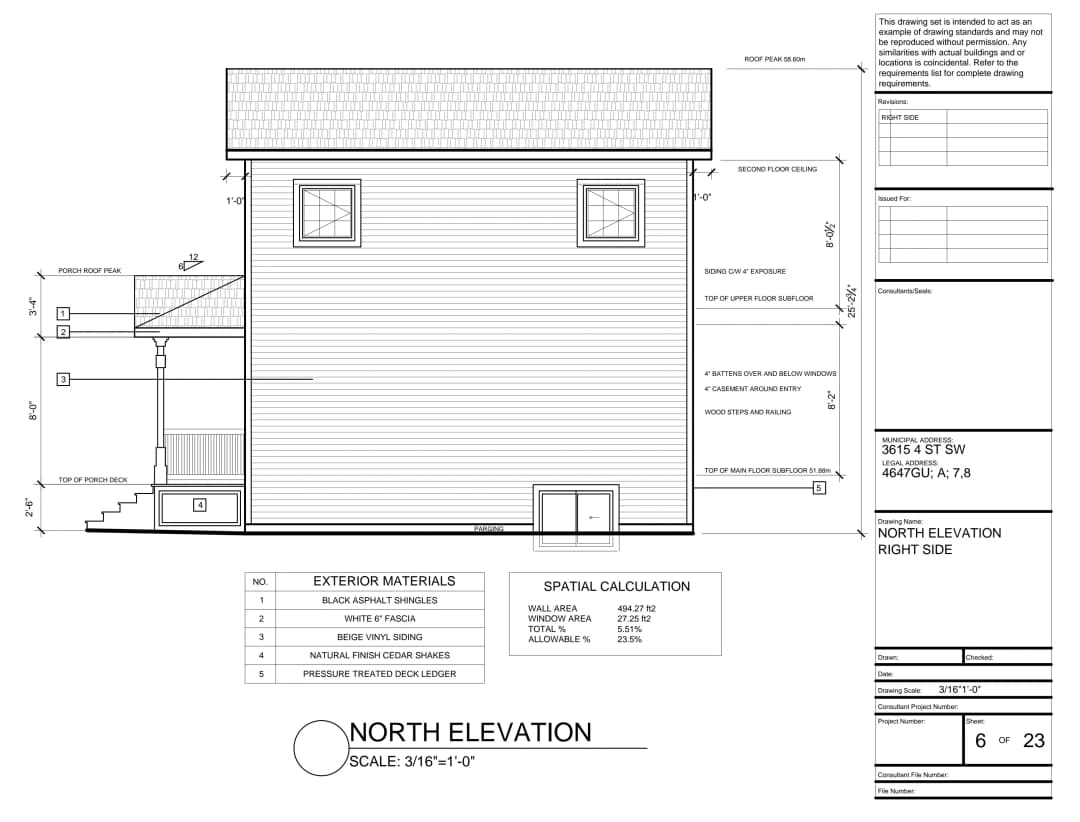
A markup library built for design, engineering and construction.
A purpose built markup library gives over 100+ tools that you can use on your documents - from signage to wall types and everything in between.
5.0Trade toolsPlays well with your cloud
Notch connects to the places your drawings already live — import a set in seconds and keep working where your team works.

Google Drive
Import and sync drawing sets straight from a shared Drive folder.

Dropbox
Pull and sync the current set from your team's Dropbox.

Box
Sync documents directly from Box without having to download them.

OneDrive
Connect the drawing folders your team keeps in Microsoft 365.

SharePoint
Import from your project's document libraries.
Procore
Sync drawings from your Procore projects.
See Notch in action
Click a screenshot below to enlarge the image.
Workspace
The workspace is used for managing and uploading your documents.
Editor - Takeoffs
Takeoffs can be done directly in the editor, by marking up a drawing.
Editor - Markup With Properties
Markup drawings and change a variety of settings in the properties panel.
Latest posts

Leave the desktop behind. Keep the capability.
Free on up to 250 MB of drawings · No credit card required