Features · Markup
Markup and edit documents
Revision clouds, callouts, stamps, pen, and text — stored as structured data in a modern editing experience.
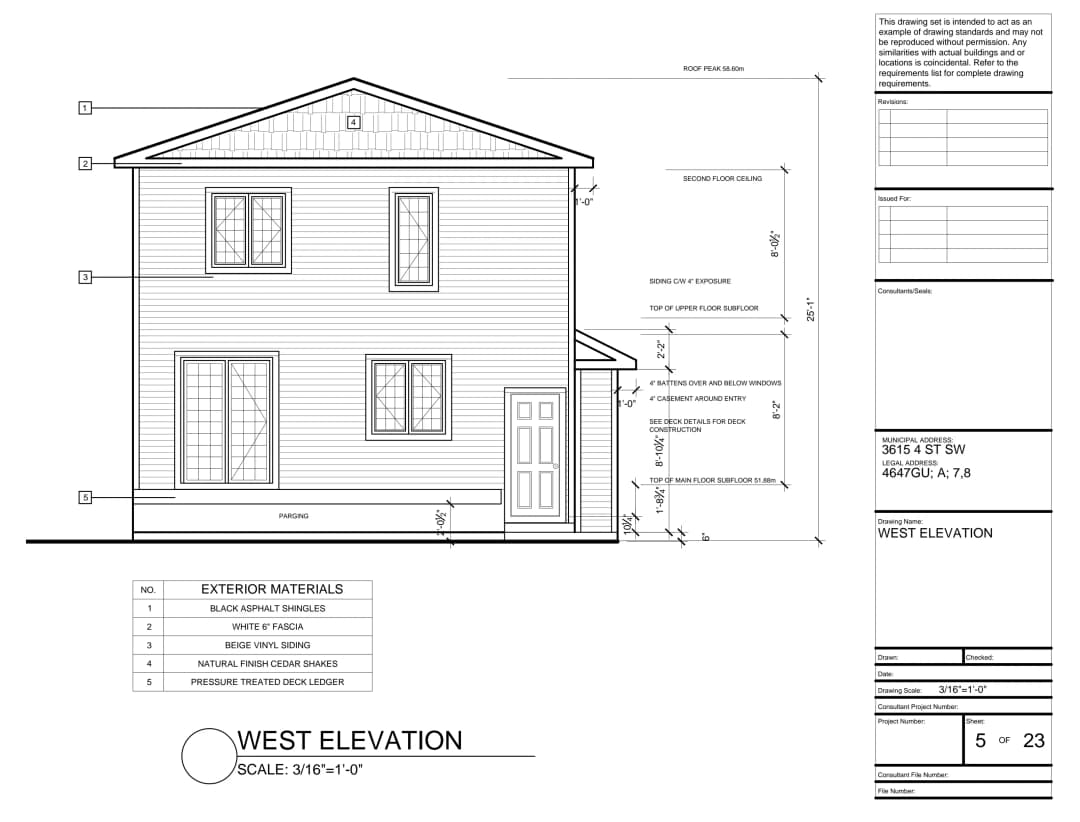
Structured data
Every markup is structured data — filter it, layer it, export it. The PDF underneath stays clean, and nothing is ever flattened away.
Over 100+ markup tools
From lines, to shapes and construction equipment. Notch comes complete with over 100+ tools to markup your documents.
Workspace Styling
Define your markup styling in your workspace, to ensure team members use consistent styling on their projects.
The toolkit
No more hunting for what you need
Hundreds of tools, available at your fingertips.
418 tools
PenPFreehand ink that stays with the drawing — smooth paths, not pixels.Pen
HighlighterHA wide, translucent yellow stroke that reads like a real highlighter.Pen
Whiteout⇧EA white patch that masks the drawing beneath — rectangular or freeform.Pen
LineLClick-to-click segments for routing runs and irregular edges.Shapes
ArrowAA leader arrow that points at exactly the thing you mean.Shapes
Arc⇧CShapes tool, ready on the rail.Shapes
RectangleRA crisp stroked box for boxing in details and callout regions.Shapes
EllipseECircles and ovals for flagging round details.Shapes
Polygon⇧PA closed shape with as many sides as the condition needs.Shapes
Star⇧SA star marker for calling attention to a spot.Shapes
Revision cloudCThe classic scalloped revision cloud — drawn as a shape, edited as one.Shapes
Place imageIDrop a PNG, JPG, or SVG onto the sheet — logos, photos, details.Shapes
Select text⇧TSelect the PDF's own text to highlight, underline, or strike.Text
TypewriterWClick anywhere and type — the typewriter tool.Text
Text boxTA text box with an optional border and fill, upright on any sheet.Text
CalloutQA text box with a leader line — the annotation workhorse.Text
Sequence⇧NText tool, ready on the rail.Text
Dimension⇧LText tool, ready on the rail.Text
Link⇧HMake a region clickable — to another sheet or an outside URL.Text
CommentNPin a comment thread to the drawing and pull people in with @mentions.Text
Add signatureXDraw or type a signature once, place it anywhere.Text
LinearMMeasurements tool, ready on the rail.Measurements
Area⇧⌥AA closed region, totalled as area in the page's units.Measurements
CutoutA cutout that nets out of its parent area automatically.Measurements
Leave the desktop behind. Keep the capability.
Free on up to 250 MB of drawings · No credit card required