Plans & billing
What Free and Pro include, how per-seat billing works, and where to manage it.
Notch has two plans and one pricing axis: editor seats. Everything else — viewers, guests, share-link recipients — is free.
The plans#
Free — $0. The full editor — markups, measurements, takeoffs, revision compare — on up to 3 drawings. Everything else works normally: chat, share links, viewers and guests. 2 GB of storage. The limit is a count, not a lock: at 3 drawings you keep editing what you have, and adding a fourth is what asks you to upgrade (deleting one frees the slot).
Pro — $24 per editor seat per month, or $240 per seat per year. Unlimited drawings, plus cloud import, page management, and the shared tool library. 50 GB of storage, plus a monthly allowance of Notch AI credits.
The 14-day trial#
You don't need a trial to try the editor — the Free plan is the trial, with no time limit. A 14-day Pro trial is available when you need more than 3 drawings; start it from onboarding or the upgrade dialog.
If your Pro plan ends#
When a Pro subscription is cancelled — or a trial finishes without one — the workspace freezes: its drawings stay exactly where they are, readable and exportable, but editing and new uploads stop until you reactivate. It does not fall back to the 3-drawing Free plan (a workspace holding fifty drawings can't be squeezed into three). Nothing is deleted, and reactivating restores everything.
How seats work#
- Editor seats (billed): owners, admins, and members.
- Free: viewer seats (read-only teammates) and document guests (outside collaborators on a single drawing). Invite as many as you like.
The subscription quantity follows your member list automatically — promote a viewer to member and the seat count goes up; remove an editor and it goes down.
What a limit looks like#
Nothing is ever hidden, only disabled with a hint. On Free, the library shows a "2 of 3 drawings" meter so the cap is visible before you meet it; at 3, the Upload/New/Import buttons disable and offer the upgrade. In a frozen workspace the drawing tools render greyed with a "Plan ended" note. Navigation, search, chat, share links, exports, and reading always work.
Managing billing#
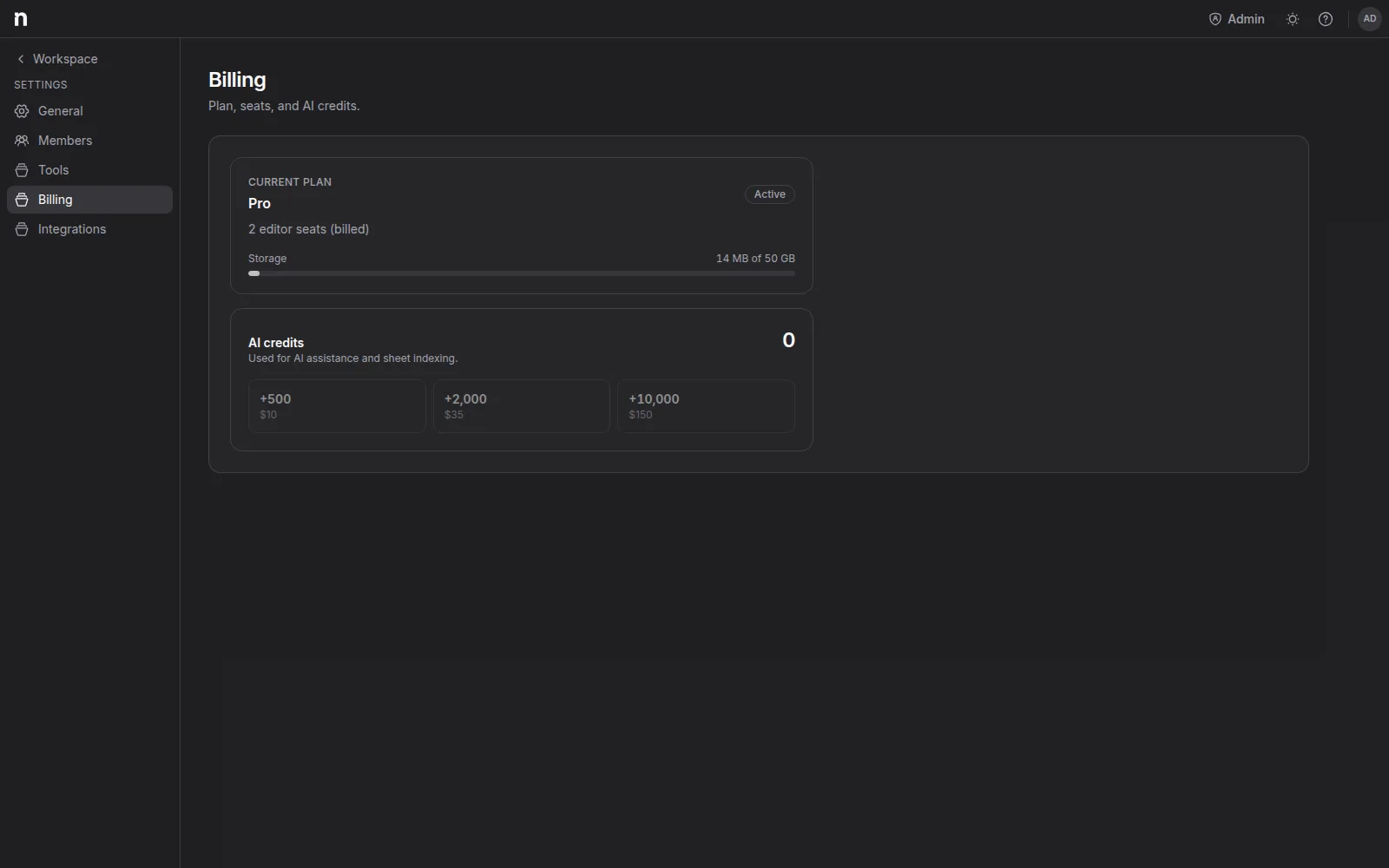
Workspace settings → Billing (owners and admins) shows your plan, seat counts (editors billed, viewers free), a storage usage bar, and your AI credit balance. From there you can upgrade, switch monthly/yearly, and open the billing portal to manage your card, download invoices, or cancel.